SD Maid 2/SE
Bugs
🐌 🦋 🐛 🐜 🐝 🐞
Bugs are part of an apps life. They mean you no harm, but they are not here to stay either 😠.
What are bugs?
- If the app crashes it is obviously a bug
- If something is behaving unexpectedly, it could be a bug.
In any case check that you are on the latest update, the bug might already be fixed.
If the bug isn’t fixed, then report it  .
.
Reporting a bug
Create an issue ticket on GitHub: https://github.com/d4rken-org/sdmaid-se/issues
- Describe what you expected and what actually happened
- List the steps that someone else would have to take to reproduce the issue
- Describe your setup
- Your device type (e.g. Pixel 5)
- Android version (e.g. Android 13.1)
- If you are rooted, the Magisk version
Include a debug log if you can reproduce the issue.
Hint: You can long press the “Changelog” entry in SD Maid’s settings to copy the version to your clipboard.
Debug log
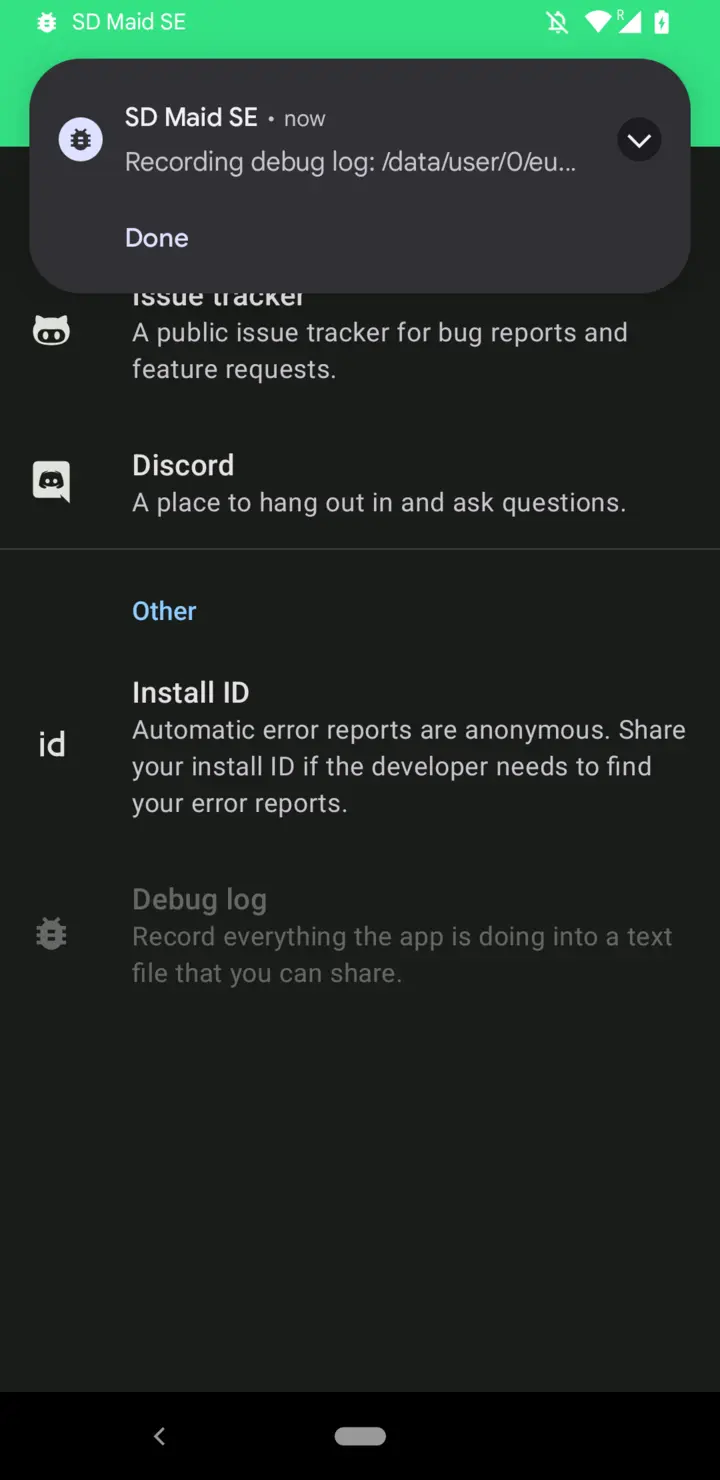
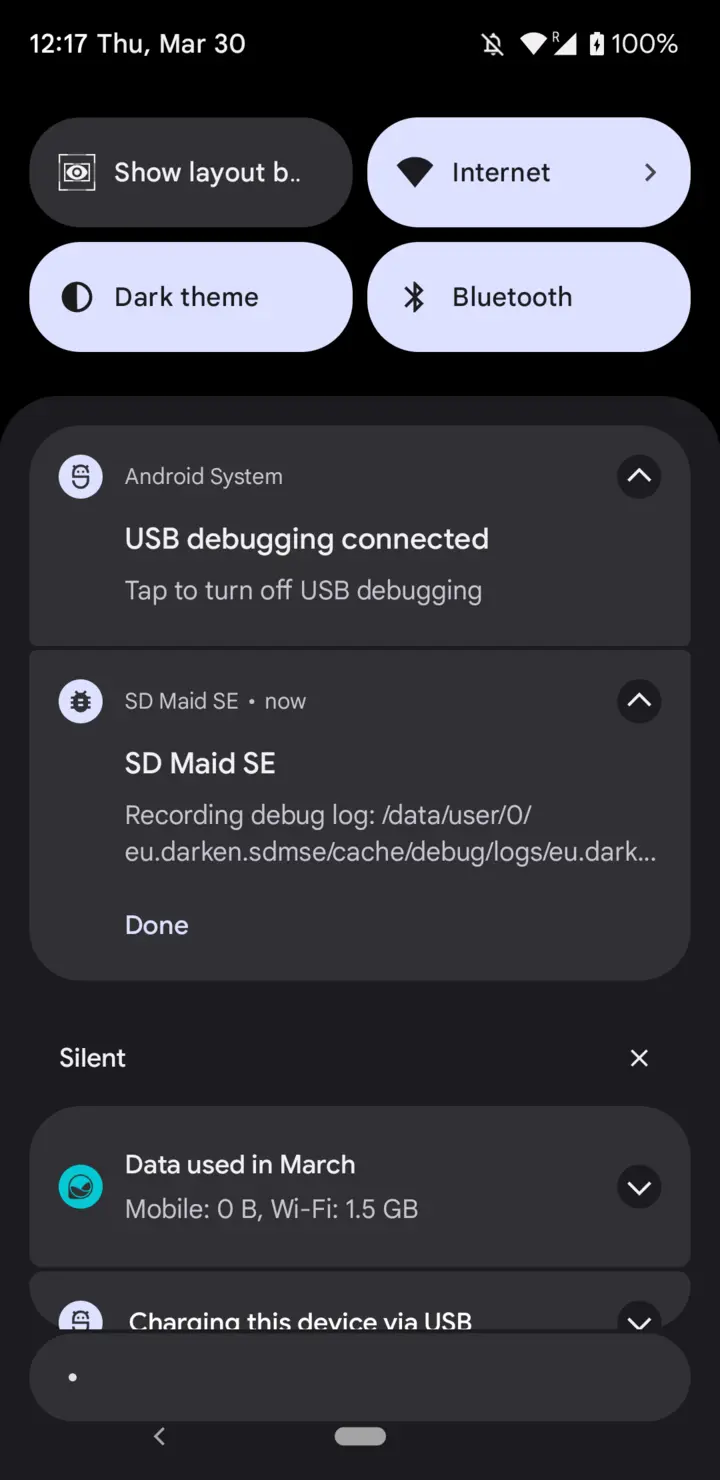
A debug log is a recording of SD Maid’s action. You start the recording, reproduce the issue, then stop it and can share a zip file with a chronological account of what SD Maid did.
To start recording a debug log:
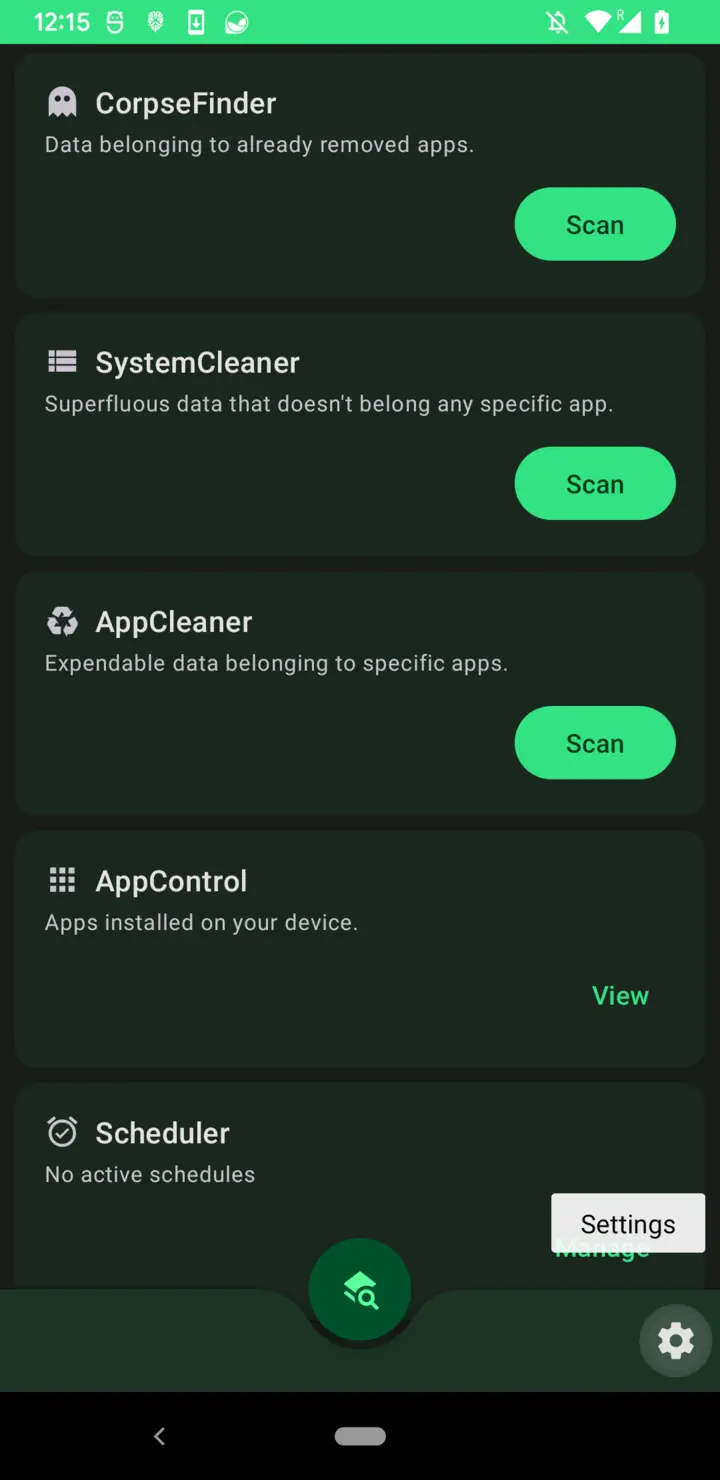
- Go to settings in SD Maid by pressing the settings icon in the bottom right of the dashboard
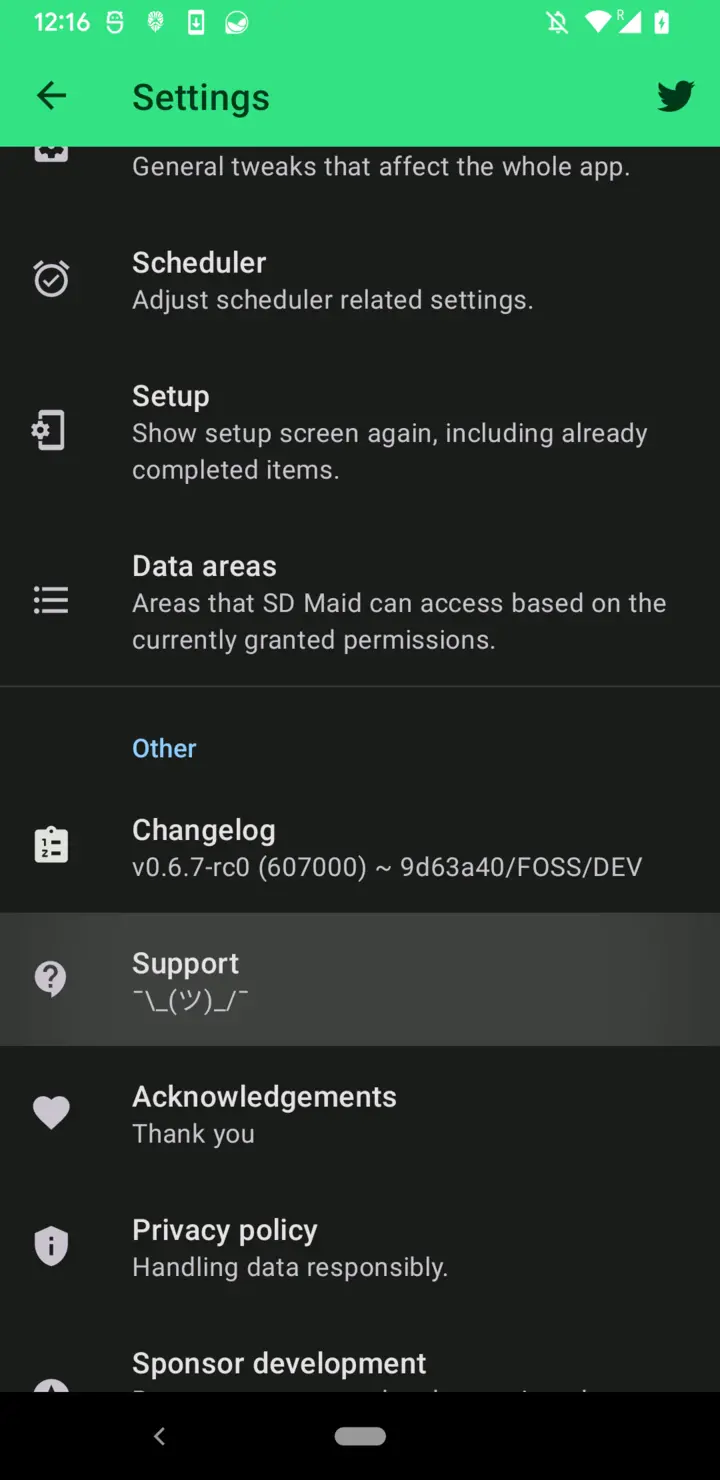
- Find the
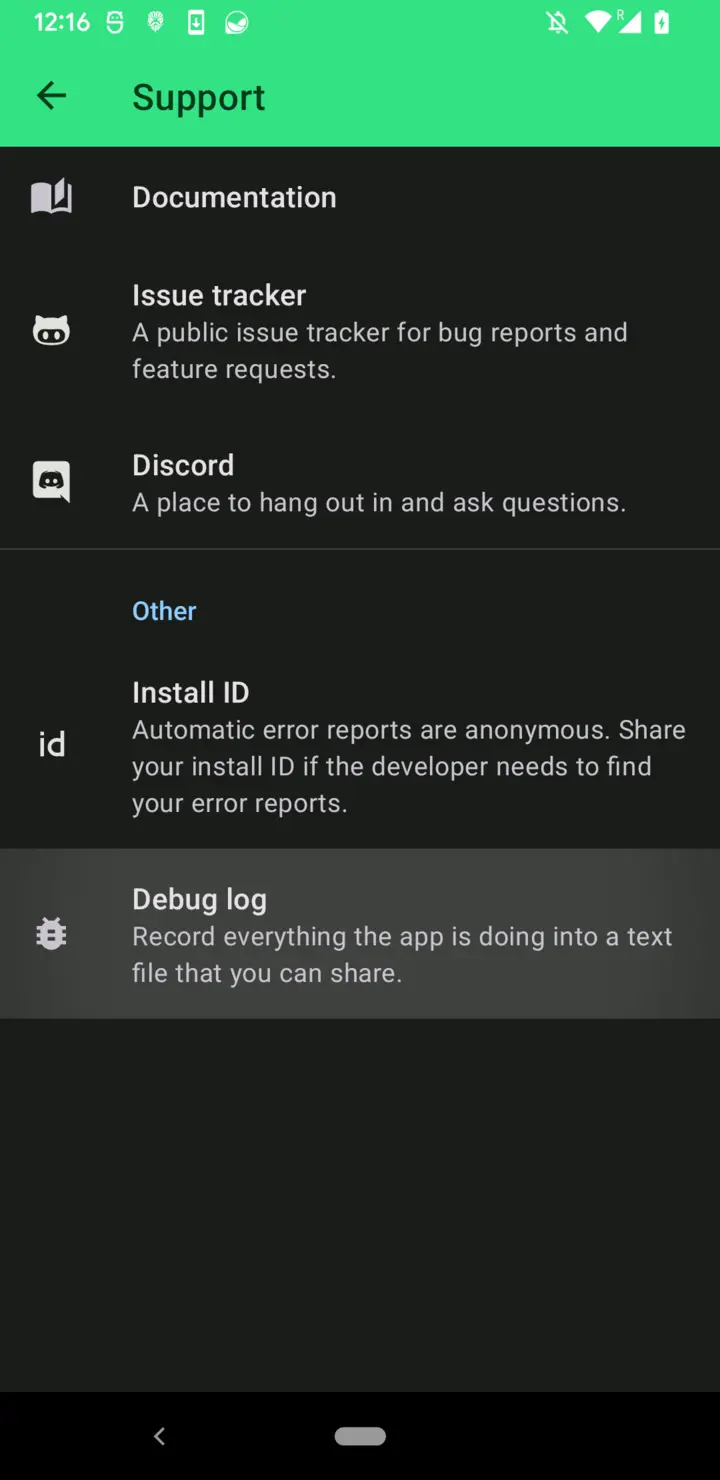
Supportentry in the settings list - Tap
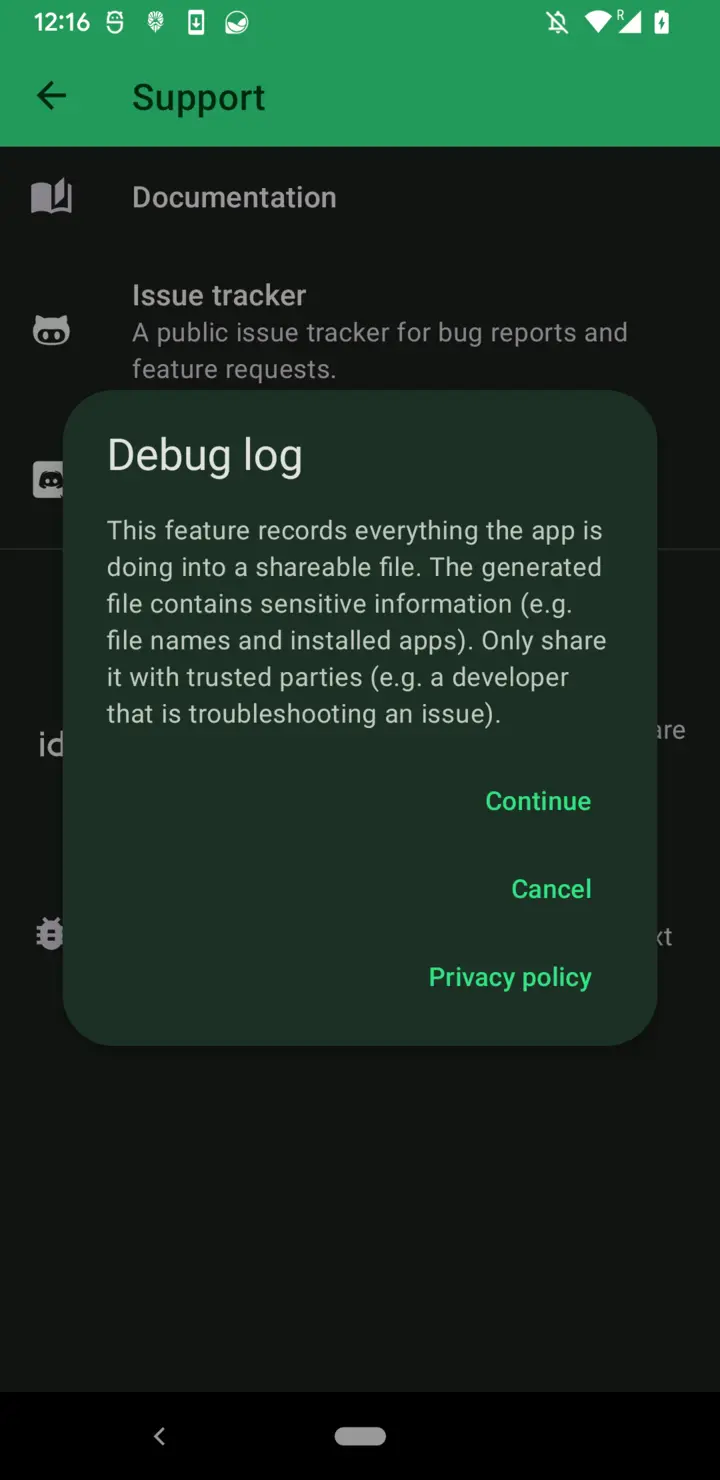
Record debug logon the support screen, thenRecord debug logagain in the dialog - While recording, the dashboard shows a
Recording debug logcard - Now reproduce the issue you want to record
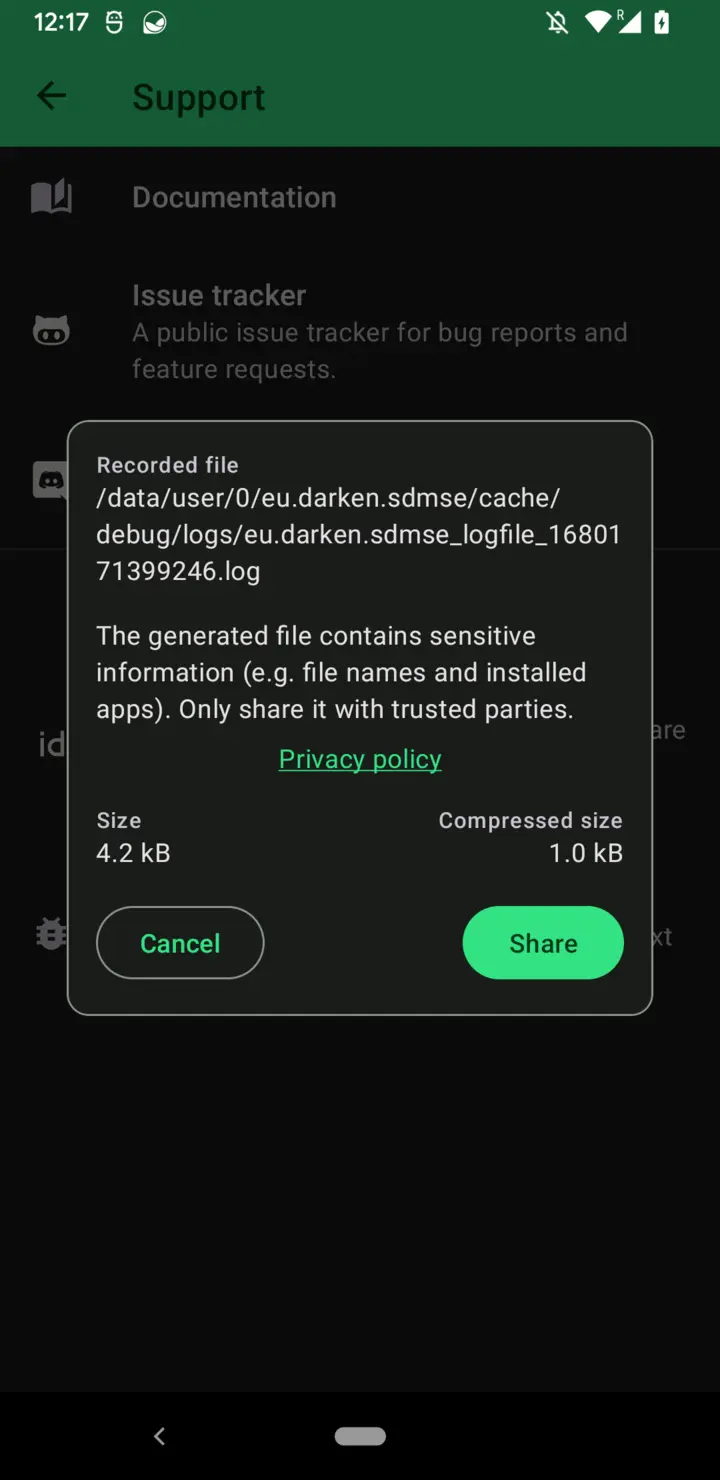
- Once you have reproduced the issue, tap
Stop recordingon that dashboard card or on the support screen. If the recording is very short, SD Maid asks first; tapStop anywayto stop it. - The
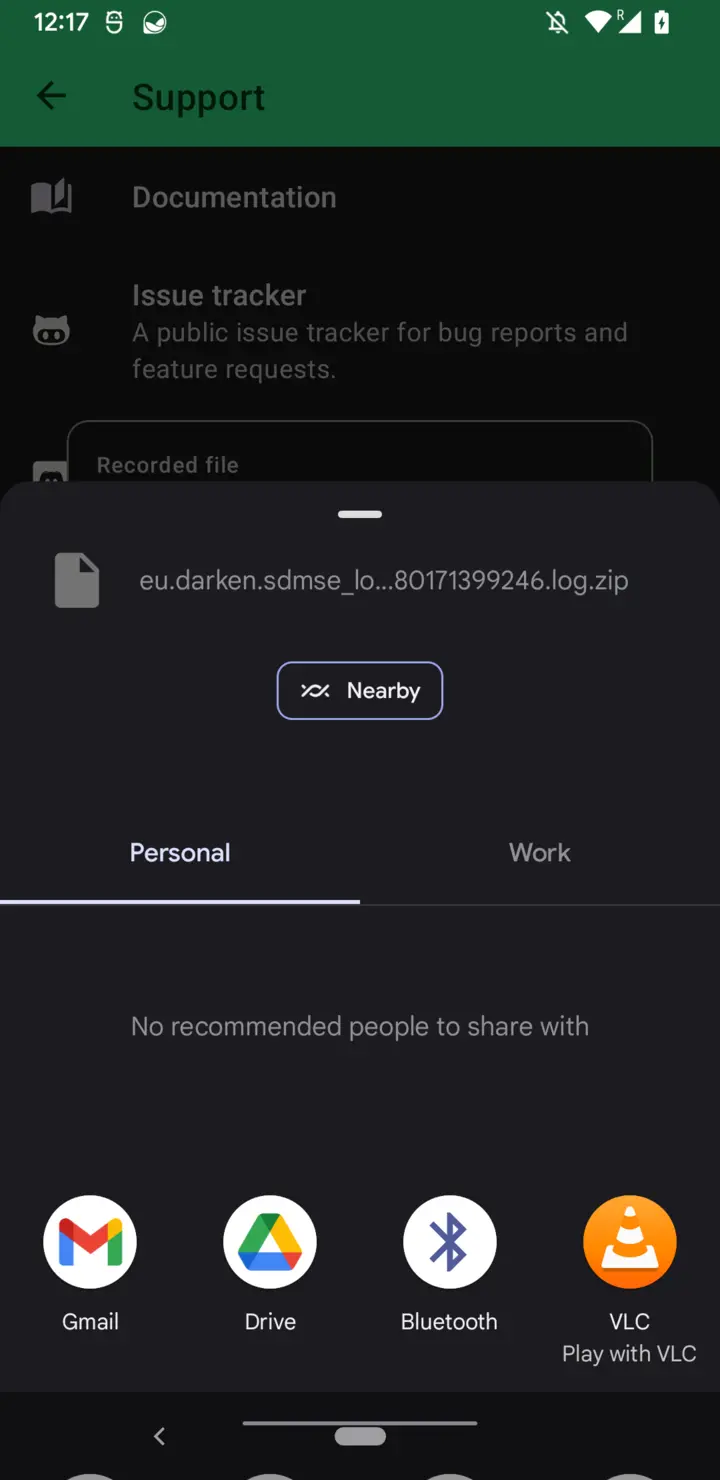
Debug Logscreen opens. Once the log file is compressed, tapShareto send it.
The debug log will be recorded until you stop it, the recording will continue, even if you force-stop and restart SD Maid.
If you are troubleshooting issues related to core functionality, e.g. root detection or detected storage areas, it is useful to force-stop and restart SD Maid while recording as some data is only initialized once per app session.
The debug log files are stored in /storage/emulated/0/Android/data/eu.darken.sdmse/cache/debug/logs.
In pictures: